v1.0.0 Stable
Company Preference - Discount
Discount preferences allow you to configure discount rules, promotional pricing, and bulk discount settings for your products.
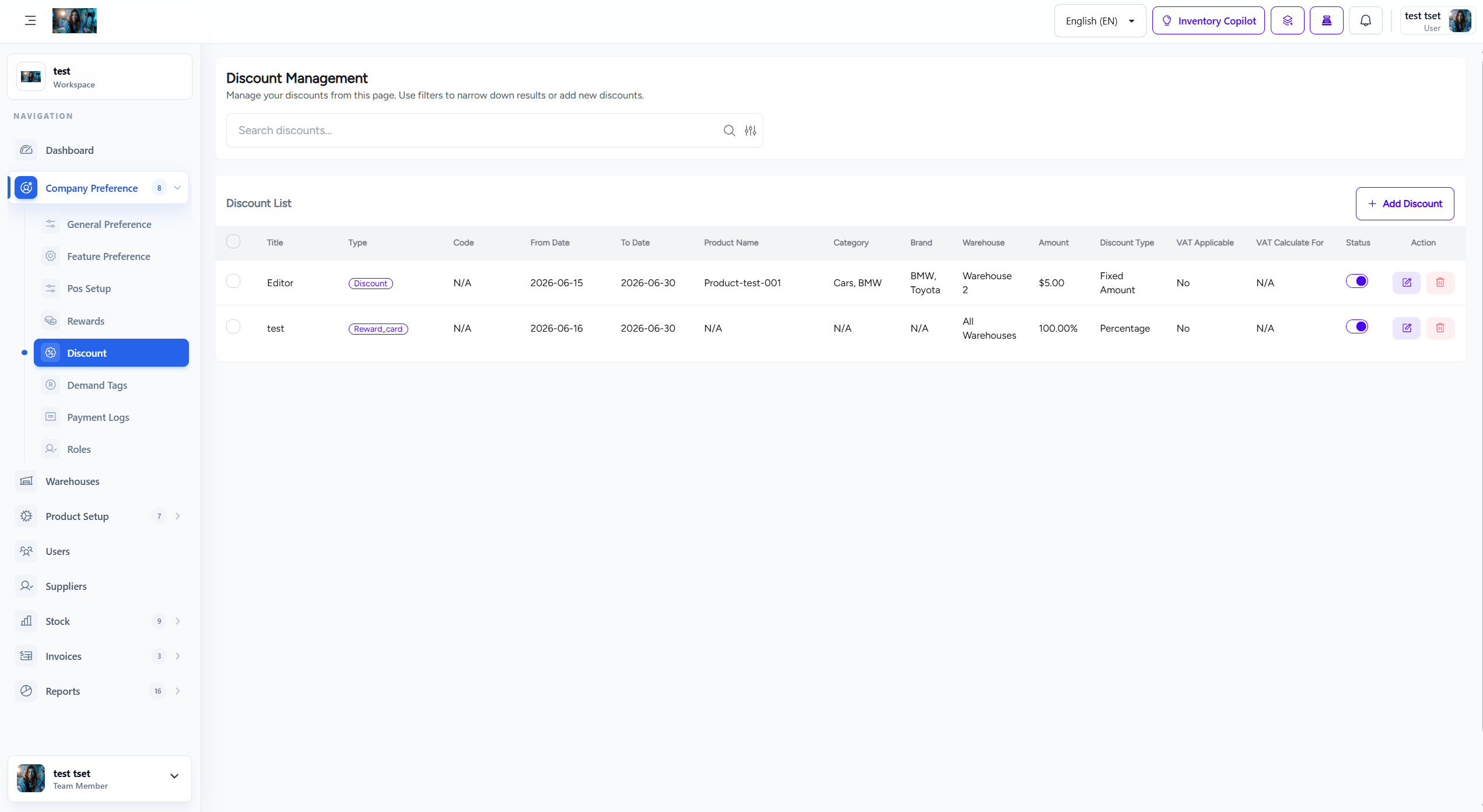
Figure 1.0: The Discount settings interface.
1. Overview
Discount preferences control how discounts are applied, calculated, and displayed across the platform.
- Discount Types: Configure percentage and fixed amount discounts.
- Bulk Discounts: Set up quantity-based discount rules.
- Warehouse Discounts: Enable warehouse-specific discount rules.
- Discount Stacking: Control how multiple discounts can be combined.
2. Discount Configuration
Configure general discount settings:
- Allow Negative Prices: Enable or disable prices below zero after discounts.
- Maximum Discount Percentage: Set the maximum discount percentage allowed.
- Apply to Original Price: Apply discounts to original or already-discounted prices.
- Round Discounted Prices: Configure price rounding rules.
3. Bulk Discount Rules
Set up quantity-based discount tiers:
| Quantity Range | Discount Type | Discount Value |
|---|---|---|
| 1-10 units | Percentage | 0% |
| 11-50 units | Percentage | 5% |
| 51-100 units | Percentage | 10% |
| 100+ units | Percentage | 15% |
4. How to Configure Discounts
Follow these steps to configure discount preferences:
- Navigate to Company Preference > Discount from the sidebar menu.
- Configure general discount settings (max percentage, rounding rules).
- Set up bulk discount tiers based on quantity.
- Configure warehouse-specific discount rules if applicable.
- Set discount stacking rules.
- Click Save Settings to apply all changes.
Important Note: Discount settings affect all pricing calculations immediately. Test discount calculations thoroughly before applying to production.
5. Best Practices
Follow these best practices for discount configuration:
- Profit Margins: Ensure discounts don't erode profit margins.
- Clear Rules: Make discount rules clear and easy to understand.
- Regular Review: Review discount effectiveness regularly.
- Competitive Analysis: Align discounts with market standards.