v1.0.0 Stable
Content Sections
What This Option Does
Content Sections manages reusable section blocks used in landing/public pages.
How Admin Uses This
- Open Sections list.
- Select target section for editing.
- Update text/media/settings.
- Save and verify where section is used.
Screenshot Placeholder
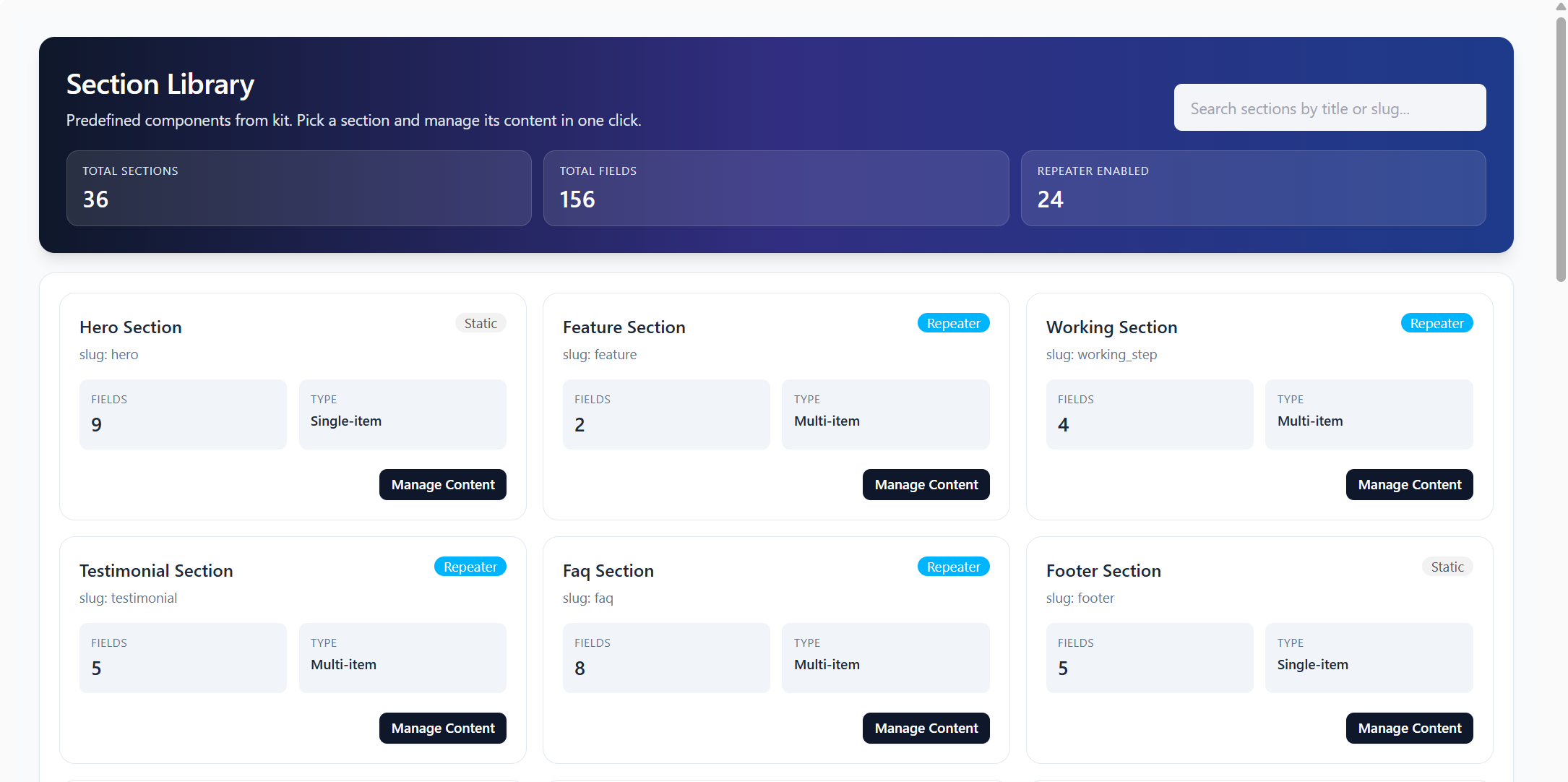
Add screenshot file at
documentaion/assets/images/backoffice-sections.pngEnterprise Technical Specification
Business Capabilities
- Section library view
- Section content update
API Contract Surface
Primary API endpoints used by this module:
/api/v1/backoffice/content/section-library/api/v1/backoffice/content/sections/{name}
Permission Blueprint
Recommended permission keys for production role design:
backoffice.content_section.viewbackoffice.content_section.edit
Operational Risk and Control Notes
- Malformed section payload breaks landing components
- Enable activity logging and include
company_id, actor ID, and target entity ID in audit traces. - Apply least-privilege principle for create/update/delete actions.
QA Verification Checklist
- Validate list API load, empty-state behavior, and pagination consistency.
- Verify create/update/delete response contract (
status,message,data). - Confirm permission denial responses for unauthorized roles.
- Test edge inputs and invalid IDs for safe error handling.